Hawaii Nursing Home Complaints: Search, Compare, and Read the Record
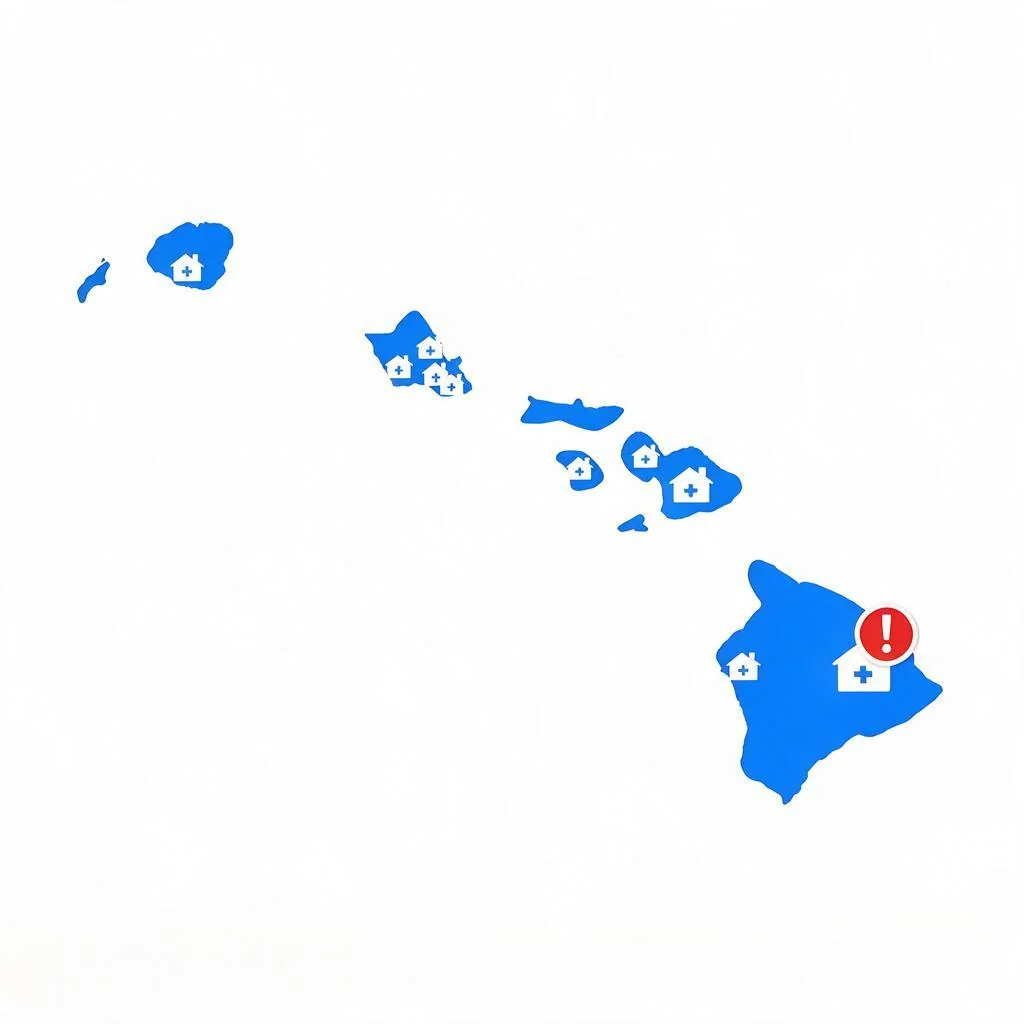
Hawaii's nursing home sector is small and shaped by island geography. Oahu holds the majority of the state's certified facilities, with a handful more spread across Maui, the Big Island, and Kauai. For families on the neighbor islands, the choice of facility can be very limited — and a move to Oahu is often a real consideration.
Because Hawaii's facilities are geographically isolated from the mainland, families here often compare options within the state rather than across state lines. Reading each facility's record carefully matters more when there are fewer alternatives.
This post walks through how to search Hawaii nursing home complaints, look up a facility by city, filter the list by what matters to you, and read what the numbers actually mean once you find them.
Why Hawaii's nursing home list looks like it does
A few facts about Hawaii's market:
- Oahu holds the majority. Honolulu and the surrounding communities on Oahu have most of the state's certified facilities.
- Neighbor islands have small clusters. Maui, the Big Island, and Kauai each have a handful of facilities, often serving residents who prefer to stay on their home island.
- Ownership is mixed. Hawaii has a mix of for-profit and non-profit operators, with some facilities affiliated with long-standing local organizations.
- Cost and staffing are long-running concerns. Hawaii's high cost of living affects staffing and facility operations in ways that show up in the records.
None of that changes how the records work. It just means the search tool's city-level view is especially useful for comparing neighbor island facilities against Oahu ones.
Two kinds of citations, plus a third thing called a fine
When a state inspector visits a Hawaii nursing home, they write up deficiencies. Those deficiencies fall into two buckets on this site, and the distinction matters when you're comparing facilities:
- Health citations come from routine, scheduled inspections. Every facility gets one on a regular cadence. These are the "baseline" findings.
- Health (Complaints) citations come from inspections triggered by a specific complaint filed against the facility. They happen at unpredictable times and often point to issues that residents or family members actually reported.
Fines are a separate thing. Not every citation becomes a fine. Most don't. When the state decides a deficiency was serious enough to warrant a financial penalty, that penalty shows up in its own list with an amount and a date. That's why the fine count is often the most useful single number on the page: it's the state's own judgment about which problems were bad enough to cost money.
Start with a city, not a facility name
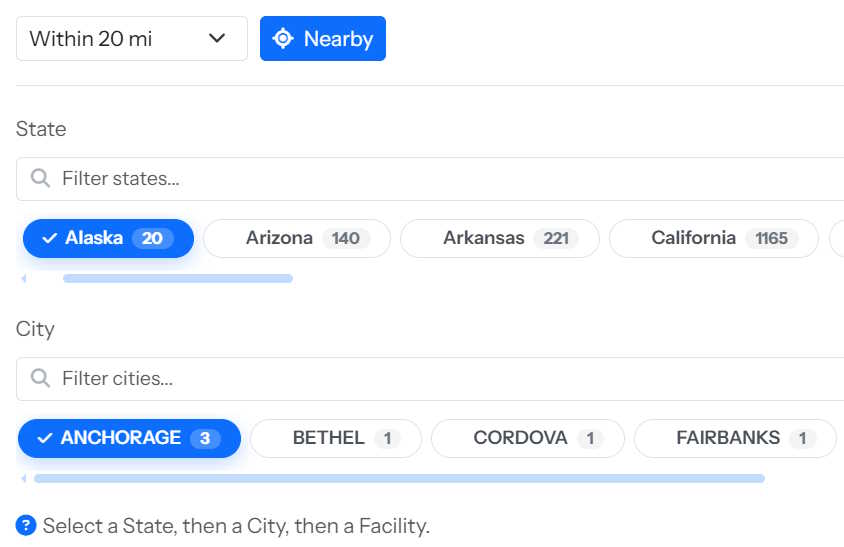
The fastest way to search Hawaii nursing home complaints is to start with geography. Open the search page, click Hawaii in the State row, and the City row below it fills with every Hawaii city that has at least one certified facility.
Hawaii's City row is short: Honolulu, Hilo, Kailua, Kaneohe, Kahului, Wailuku, Lihue, and a few more typically show up with facilities. The neighbor island facilities are often the only option in their area.
Pick a city, and the facility list on the left updates immediately to show every nursing home in that city, with each one's overall star rating and its complaint-triggered citation count visible right in the card. Click any facility and the full record opens on the right.
If you already know the name of the facility you're looking for, use the Filter by name box at the top of the facility list. If you don't, browsing by city is usually the faster path.
Narrow Hawaii results with the advanced filters
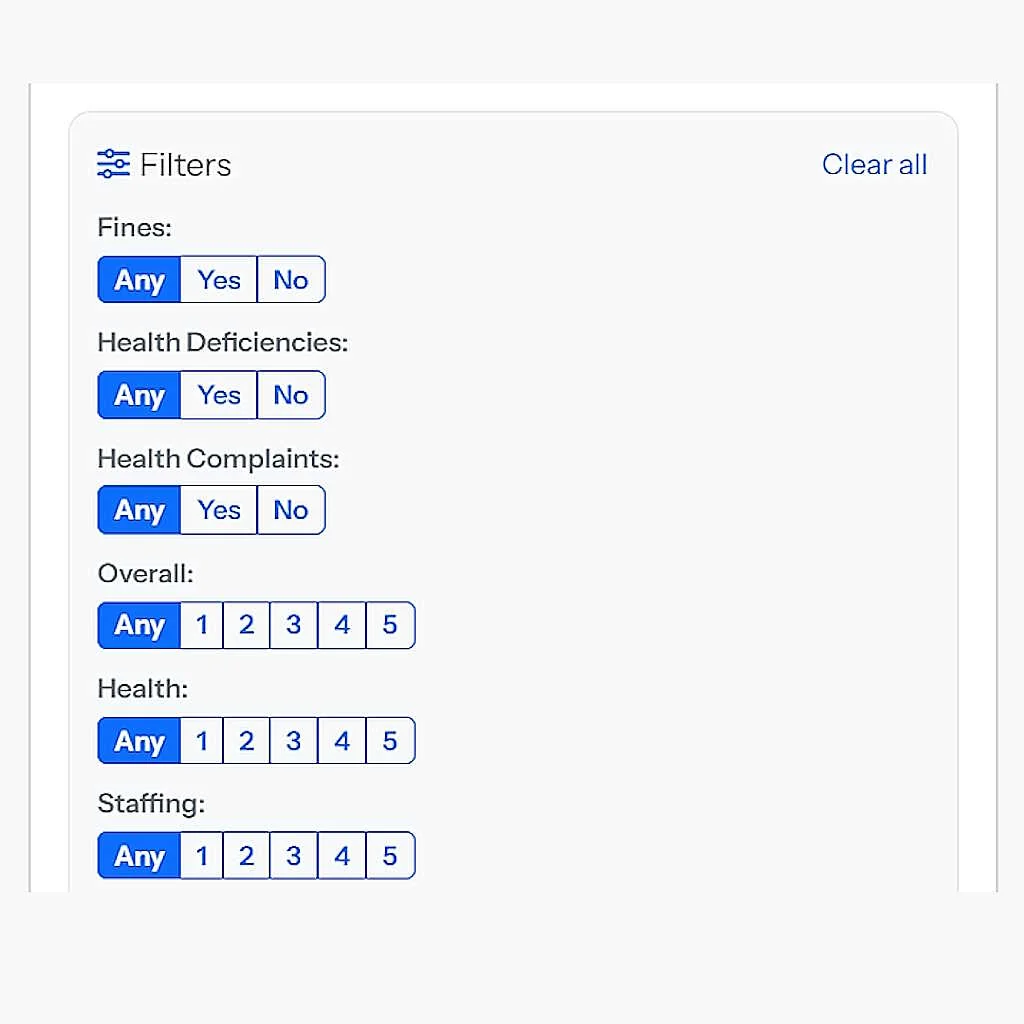
Once Hawaii is selected, the Filters panel appears between the State row and the City row. Everything in it applies to the state you've picked, and every filter stacks on top of the others.
- Fines (Any / Yes / No):
Yesshows only facilities with at least one fine on record.Noshows only those without. - Health Deficiencies (Any / Yes / No): same idea, but for routine health citations.
- Health Complaints (Any / Yes / No): same, but for complaint-triggered citations only.
- Overall, Health, and Staffing rating: pick
Anyor a specific star value from 1 to 5. Requires the exact rating. - Ownership: one-click badges for every ownership type present in the current filtered set. Click a badge to require that ownership; click it again to clear.
What makes this different from a normal search box: the filter set is applied to the entire state's data at once. If you want to see every Hawaii facility with a specific rating and at least one fine, that filter isolates the shortlist in one pass — no scrolling through pages, no comparing across multiple visits.
And when you switch to a different state, your filters carry over. Set the same criteria once and see how two states compare without re-entering anything.
Read the record: four tabs, four views
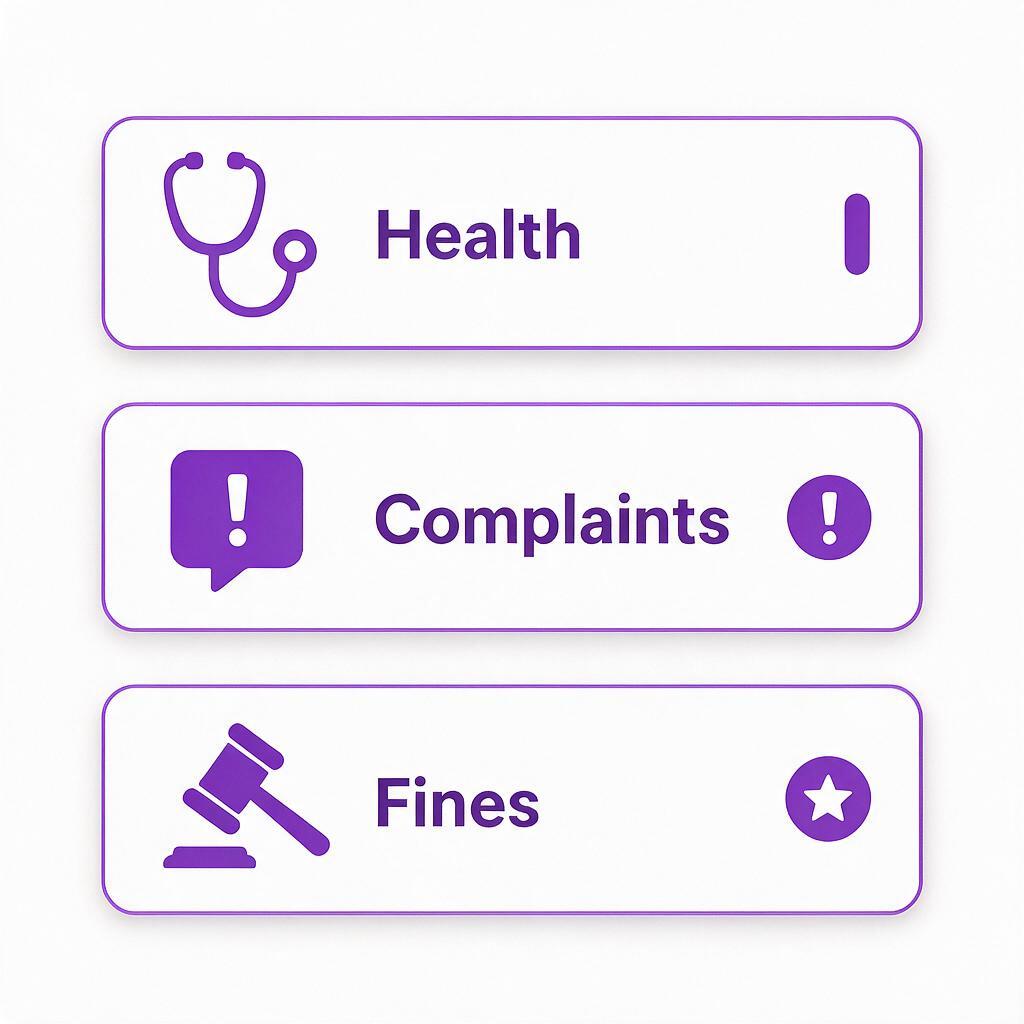
Click a Hawaii facility and its record opens on the right side of the page. The record is organized into four tabs:
- Details: always free to view. Address, phone, county, ownership type, certified bed count, health inspection rating, and staffing rating.
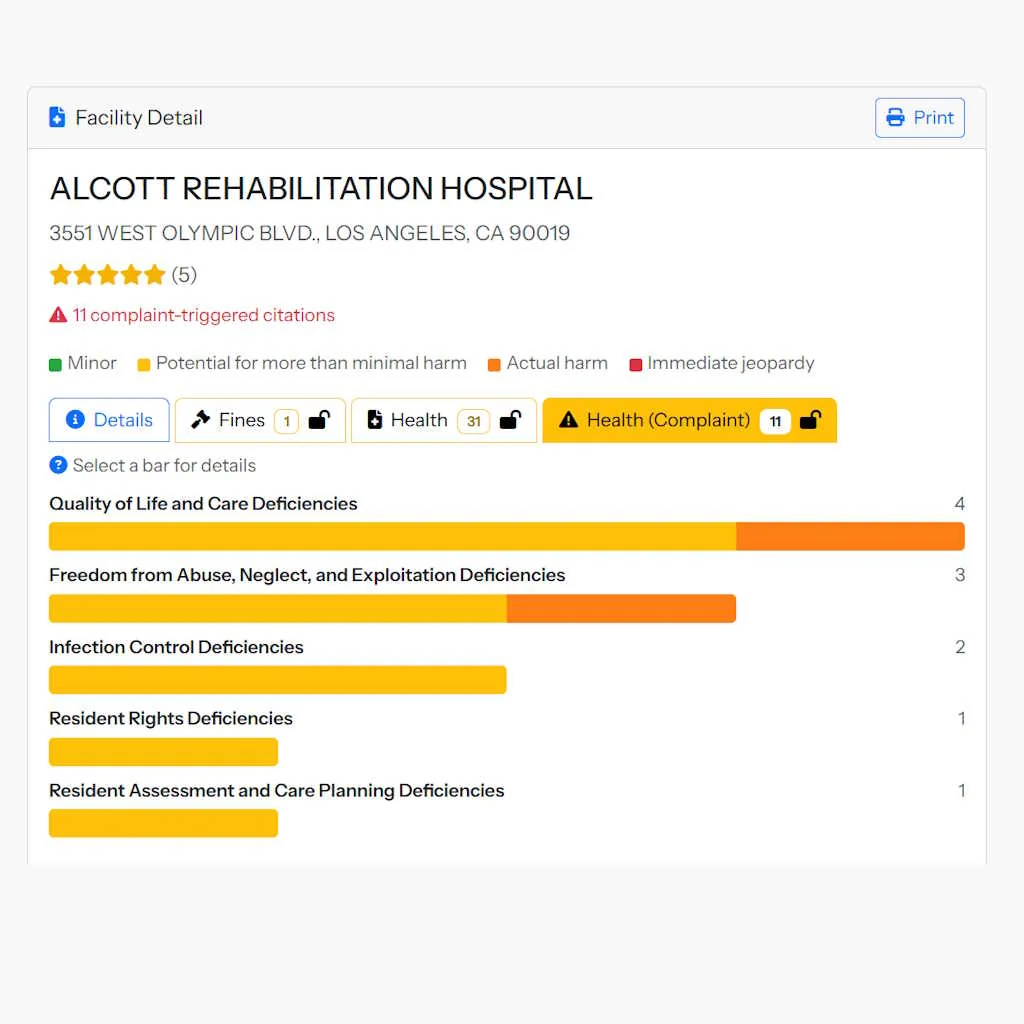
- Fines: every penalty on record for that facility, with the amount and the date. Each fine also shows the deficiencies that occurred on the same date as a small bar chart, so you can see what the fine was actually about.
- Health: the routine health inspection citations, grouped by category (like "Quality of Life and Care" or "Resident Rights").
- Health Complaints: the citations that came from a complaint investigation, grouped the same way.
The Fines, Health, and Health Complaints tabs each cost one credit to unlock the first time you view them. Once unlocked, they stay unlocked on your account for that facility, on any device you sign into. Your account starts with six free credits, which is enough to open the full record for two facilities.
What the colors on the bars mean
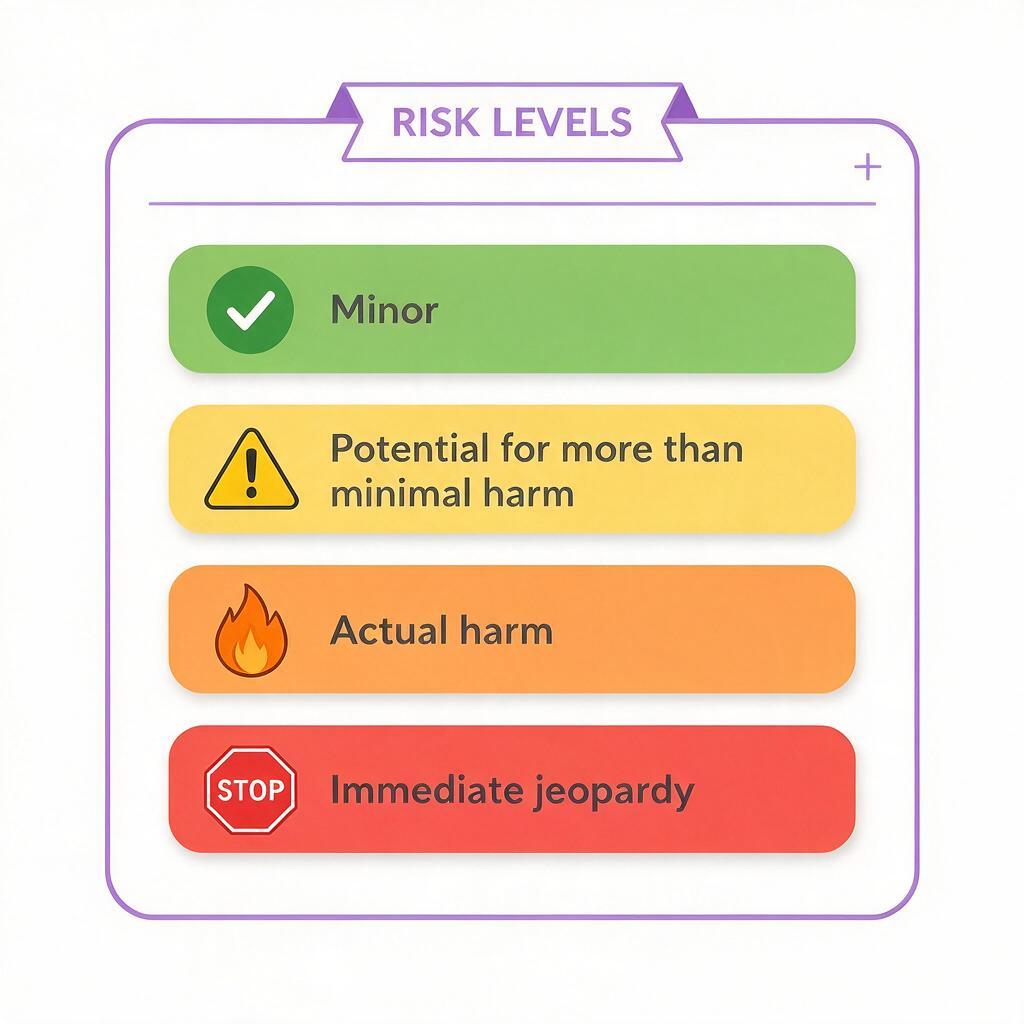
Inside the Fines, Health, and Health Complaints tabs, each category is drawn as a horizontal bar, and the bar is divided into colored segments. The colors are severity tiers, and CMS defines them with letter grades A through L. From least serious to most:
Every citation on this site is written out in plain English instead of just being tagged with the letter grade. Click any colored segment of any bar, and a small dialog opens with the full sentence: what the severity level means, how many citations fall into it, and the exact dates those citations were recorded on.
Save a facility for later comparison
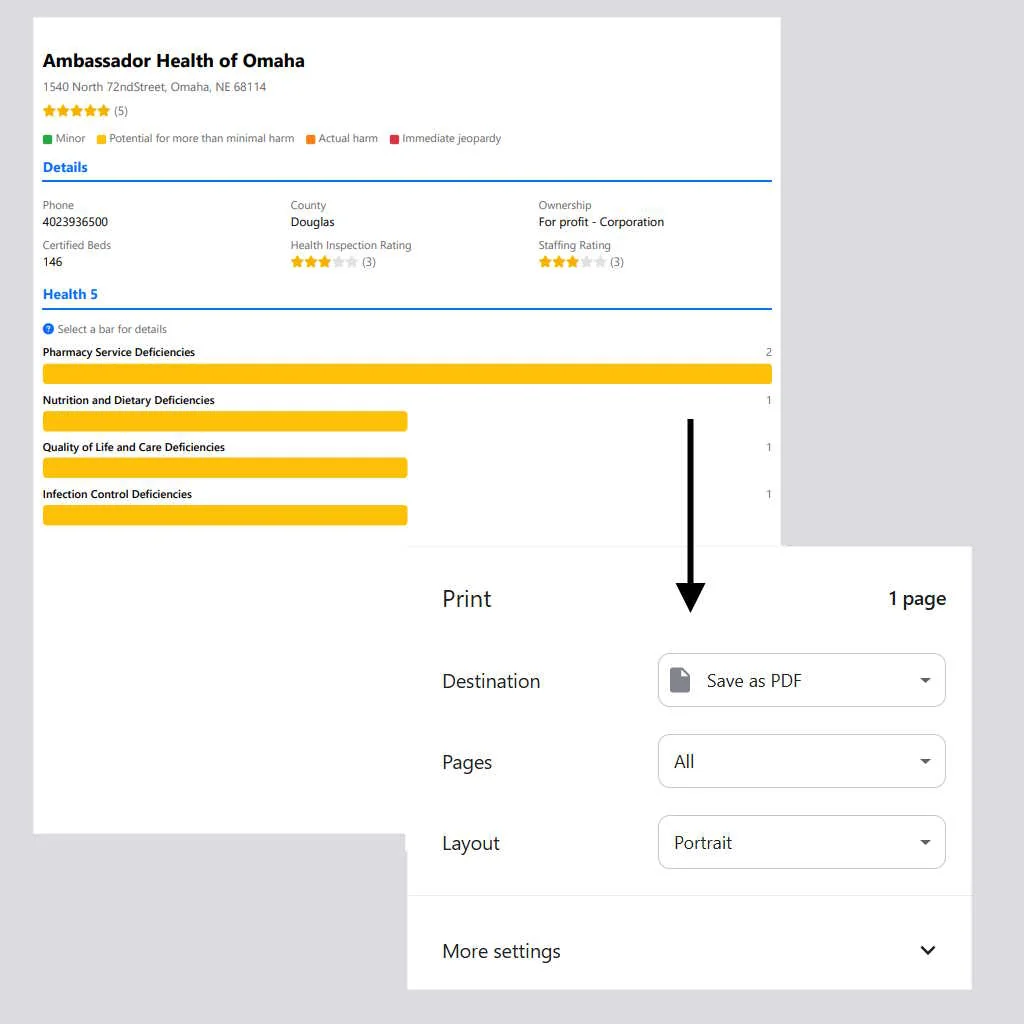
When you're comparing Hawaii nursing homes side by side, the print button at the top-right of the record is more useful than it first looks. Click Print and the browser's print preview opens with the facility's full details already laid out for paper: the Details block, the fines list, the health citations, and the complaint citations, each starting on its own page.
Choose Save as PDF and you have a snapshot you can keep, email to a family member, or bring to a care-planning meeting. Or click My Unlocked Facilities in the top row, and any facility you've unlocked at least one section for shows up in a shortlist. Clicking one reopens its full record instantly.
What to look at beyond the star rating
The star rating is one number. A facility's record has at least four numbers worth looking at, and they don't always agree:
- Overall rating: the CMS composite. Useful as a first pass.
- Health inspection rating: how that facility scored on its routine inspections specifically. This is usually the most diagnostic of the individual ratings.
- Complaint-triggered citation count: how many times the state was called in because of a complaint. A high number here means residents or their families were raising issues.
- Fine count and fine total: how often and how much the state fined the facility. This is the state's own signal that a problem was serious.
A Hawaii facility with a four-star overall rating and a single small fine looks very different from one with a four-star overall rating, twelve complaint-triggered citations, and three separate fines. Both might show the same star. Only one of them is telling you a story worth pausing on.
How this applies to Hawaii's specific layout
A few ways the search tool is most useful for Hawaii families:
- Comparing neighbor island and Oahu facilities. Applying the same filter set to both gives an apples-to-apples view rather than reading each record separately.
- Evaluating a move from a neighbor island to Oahu. Because the state's facility list is small, a family evaluating a move can review the entire relevant shortlist in one session.
- Comparing against the mainland. Filters carry over, so a family considering a move to California, Washington, or Oregon can use the same criteria.
Ready to look at a specific Hawaii city? Open the search tool, click Hawaii in the State row, and pick a city. The full record for any facility is one click away, and the first six credits are free.
Discussion